Free AI Selfie Generator: 12 Realistic Prompts to Copy in 2026
Create realistic AI selfies from your photo with Banana AI. Copy 12 AI selfie prompts for iPhone selfies, gym shots, travel photos, flowers, headshots, and more.
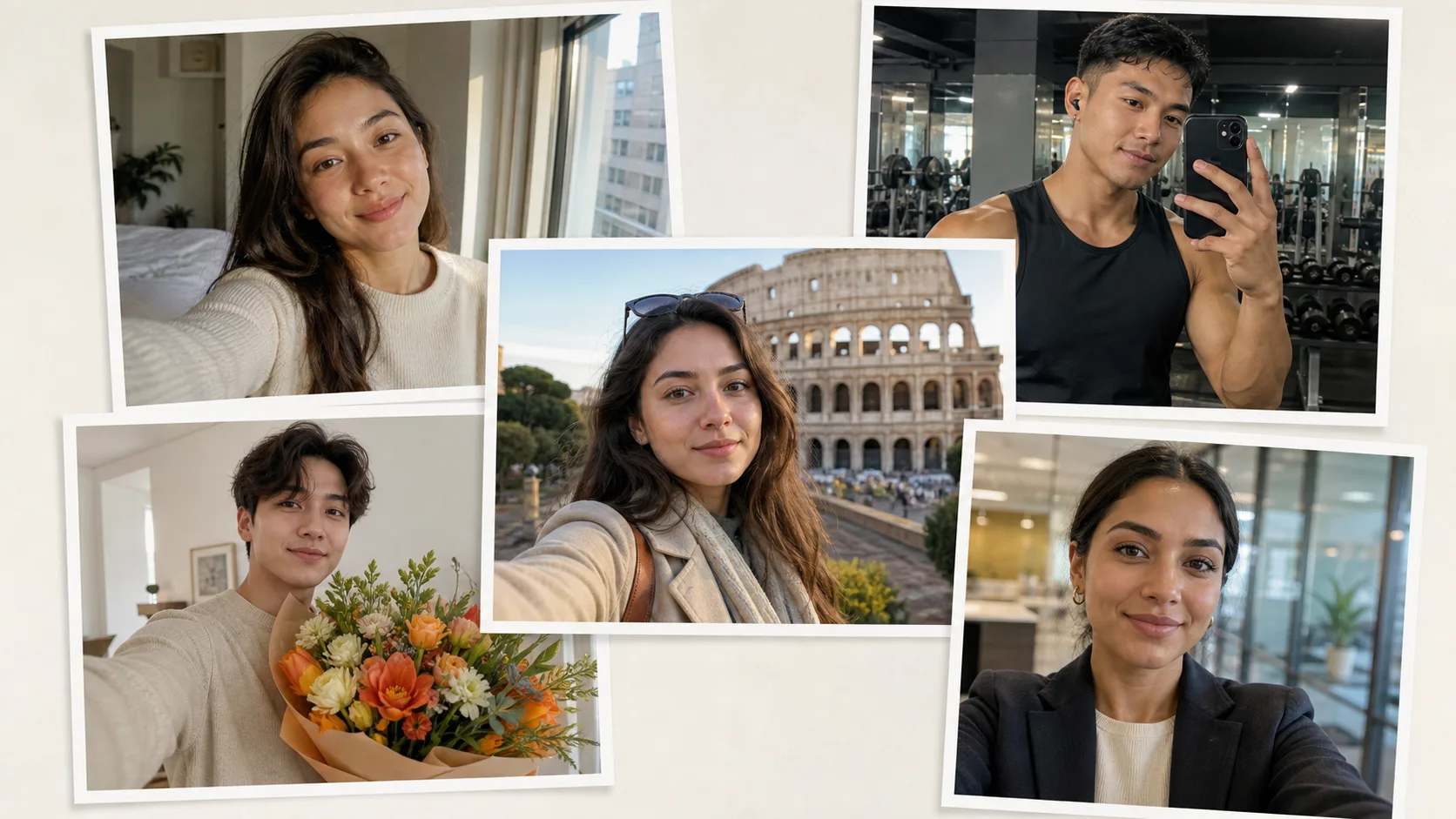
Looking for a free AI selfie generator that can turn one photo into a realistic iPhone-style selfie, travel shot, gym mirror photo, or polished profile picture?
This guide gives you a practical workflow for creating AI selfies with Banana AI, plus 12 copy-ready AI selfie prompts designed for realistic lighting, natural skin texture, and identity consistency.
Use the prompts as starting points. Replace the outfit, setting, pose, and mood with your own details when you want a more personal result.
What Is an AI Selfie Generator?
An AI selfie generator transforms an uploaded portrait into a new selfie scene. Instead of taking a new photo in every location, outfit, or lighting setup, you upload one clear reference image and describe the selfie you want.
Good AI selfie prompts usually control six things:
- Identity: keep the same face, hair, expression, and natural proportions.
- Camera: front camera, mirror selfie, wide-angle lens, close crop, or high-angle selfie.
- Scene: car, gym, bedroom, street, terrace, studio, landmark, or event.
- Lighting: window light, golden hour, flash, gym daylight, or low-key black-and-white.
- Style: raw iPhone photo, UGC selfie, cinematic portrait, editorial fashion, or clean profile image.
- Constraints: no heavy smoothing, no text, no watermark, no face distortion.
The best results come from prompts that sound like a real photo direction, not a vague style request.
How to Create an AI Selfie With Banana AI
- Go to the Banana AI Create Page.
- Upload a clear selfie or portrait where the face is easy to see.
- Copy one of the AI selfie prompts below.
- Replace bracketed details such as
[outfit],[city], or[celebrity/reference person]. - Generate the image, then refine one detail at a time.
For the most realistic output, use a source photo with even lighting, visible facial features, and no heavy filters. If the result changes your face too much, add a stronger identity line such as preserve the exact facial identity, hairstyle, and natural expression from the reference photo.
AI Selfie Prompt Formula
Use this formula when writing your own prompt:
Create a realistic selfie of the person in the reference photo.
Camera: [front camera / mirror selfie / high-angle selfie], [lens or framing].
Scene: [location], [background details].
Outfit: [clothing and accessories].
Lighting: [daylight / flash / golden hour / low light].
Style: realistic smartphone photo, natural skin texture, slight sensor noise.
Constraints: preserve facial identity, no heavy beauty filter, no watermark, no text.
If you want a casual social media result, keep the camera and lighting lines very specific. If you want a polished profile image, make the background and outfit cleaner.
12 Best AI Selfie Prompts to Copy
The examples below are written for uploaded reference photos. Start with the full prompt, then edit one line at a time. In testing, the camera and lighting lines usually affect realism more than extra style words.
1. Realistic iPhone Selfie
Create a raw iPhone-style selfie of the person in the reference photo.
Camera: front-facing smartphone camera, close distance, slight high angle, imperfect handheld framing.
Scene: bright apartment near a window with a clean everyday background.
Outfit: simple black top, minimal accessories.
Lighting: soft afternoon window light with natural shadows under the jaw.
Style: realistic skin texture, visible pores, subtle sensor grain, no portrait-mode blur.
Constraints: preserve the exact facial identity and hairstyle, no heavy smoothing, no watermark, no text.
Best for: Instagram profile photos, casual creator posts, and natural-looking avatar updates.
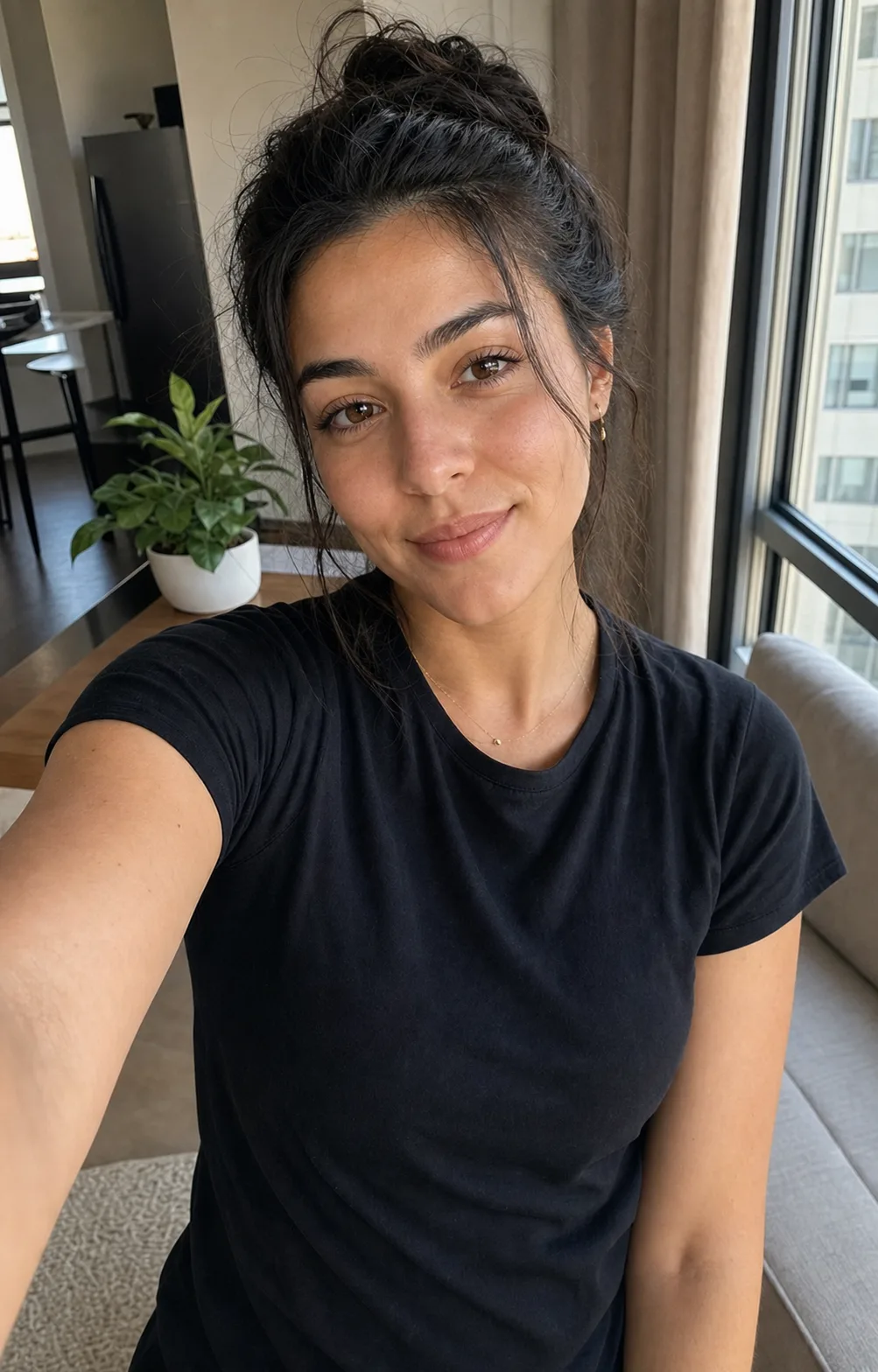
Why this works: the prompt asks for imperfect handheld framing and visible skin texture, which keeps the image closer to a real front-camera photo. If the output looks too polished, add no studio lighting, no magazine retouching.
2. Car Backseat Selfie
Turn the reference photo into a realistic backseat car selfie.
Camera: wide-angle front camera, slightly high angle, one arm extended outside the frame.
Scene: daytime car interior with dark leather seats and soft road motion blur outside the window.
Outfit: casual layered outfit with a fitted top, light jacket, and subtle jewelry.
Lighting: natural daylight from the side window, balanced exposure, no harsh retouching.
Style: candid passenger-seat photo, realistic smartphone grain, sharp face, relaxed expression.
Constraints: keep the same facial features and natural proportions, no text, no watermark.
Best for: viral lifestyle edits, road trip posts, and casual UGC-style images.
3. Gym Mirror Selfie
Create a realistic gym mirror selfie using the reference photo.
Camera: smartphone held at chest height, mirror reflection, medium-full body framing.
Scene: modern gym with clean equipment, large windows, and a bright energetic atmosphere.
Outfit: coordinated athletic set in [color], training shoes, no excessive accessories.
Lighting: morning daylight through floor-to-ceiling windows, light sweat sheen, natural highlights.
Style: high-resolution mobile photography, natural skin texture, realistic body proportions.
Constraints: preserve identity, keep anatomy natural, no exaggerated muscles, no watermark, no text.
Best for: fitness content, transformation posts, and active lifestyle pages.
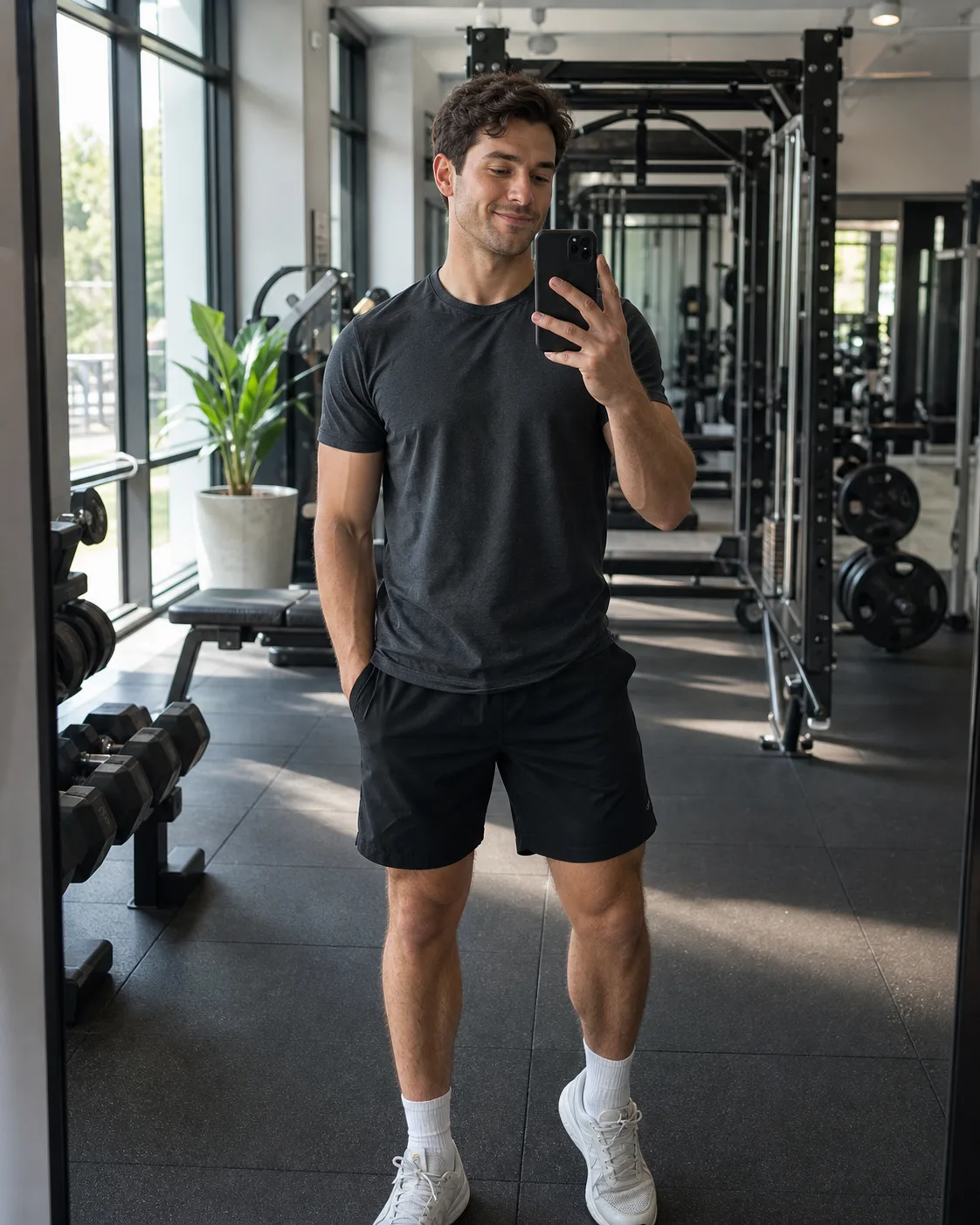
Quick fix: if the mirror phone blocks too much of the face, add phone held slightly to the side, face fully visible in the reflection.
4. Golden Hour Street Selfie
Transform the person in the reference photo into a golden hour street selfie.
Camera: handheld front camera, head-and-shoulders crop, slight lens distortion from close distance.
Scene: city sidewalk with warm storefront reflections and softly blurred pedestrians in the background.
Outfit: relaxed weekend outfit with [jacket/shirt color] and simple accessories.
Lighting: warm sunset light from one side, realistic shadows, gentle highlight on hair.
Style: candid iPhone photo, natural color, light film grain, social-media ready.
Constraints: preserve facial identity, avoid plastic skin, no logos, no watermark, no added text.
Best for: lifestyle creators, personal branding, and everyday profile refreshes.
5. Luxury Terrace Selfie
Create a glamorous terrace selfie from the reference photo.
Camera: high-angle smartphone selfie with one arm extended, vertical 4:5 composition.
Scene: upscale outdoor terrace at night with warm lights, plants, and a softly blurred city skyline.
Outfit: elegant evening outfit in cream, black, or deep red with subtle jewelry.
Lighting: front flash balanced with warm background bokeh, crisp face detail, high contrast.
Style: realistic fashion-party photo, polished but still smartphone-like.
Constraints: keep the same face and expression, no over-smoothed skin, no watermark, no text.
Best for: party photos, fashion edits, and polished social media posts.
6. Cozy Bedroom Selfie
Generate a cozy bedroom selfie based on the reference photo.
Camera: close front-camera selfie, relaxed angle, face and upper body in frame.
Scene: tidy bedroom with white bedding, warm lamp light, and soft background texture.
Outfit: oversized knit sweater or soft loungewear in [color].
Lighting: warm low light with gentle shadows, slight high-ISO grain, calm evening mood.
Style: realistic personal snapshot, natural expression, soft but not blurry.
Constraints: preserve identity, keep the scene tasteful and non-explicit, no watermark, no text.
Best for: cozy creator content, seasonal posts, and relaxed lifestyle portraits.
7. Selfie With Fresh Flowers
Create an outdoor selfie of the person holding fresh flowers.
Camera: top-down smartphone selfie, head to waist framing, slight wide-angle perspective.
Scene: casual city street or market sidewalk with natural everyday background details.
Outfit: oversized graphic T-shirt or casual jacket with simple jewelry.
Props: bright bouquet of fresh flowers in orange, yellow, pink, or white.
Lighting: clean daylight, balanced exposure, natural skin texture, crisp flower detail.
Style: realistic handheld selfie, relaxed smile, vibrant but not over-saturated.
Constraints: preserve facial identity, no extra hands, no text, no watermark.
Best for: spring posts, profile photos, birthday visuals, and soft lifestyle content.
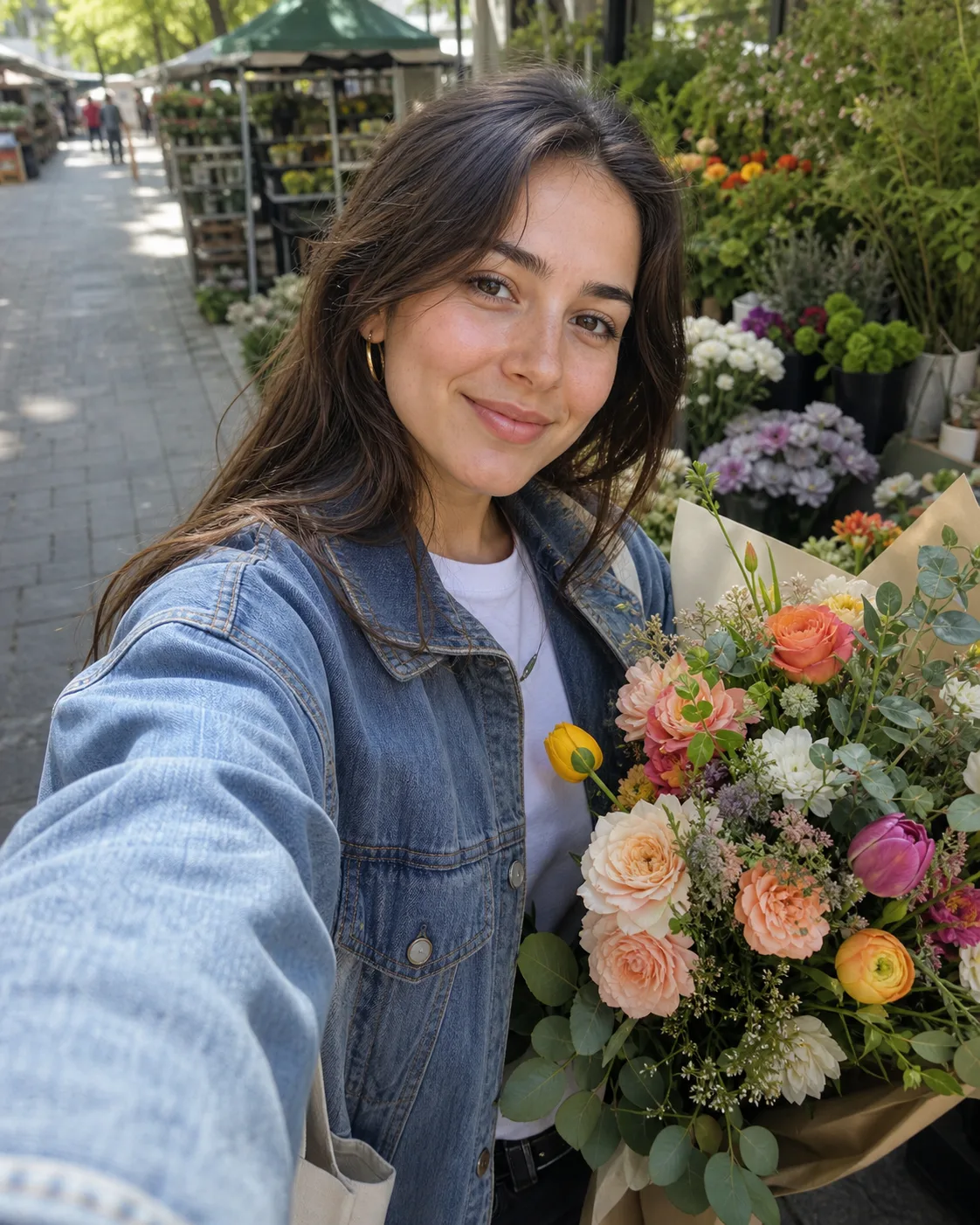
This prompt benefits from a prop because the bouquet gives the AI a clear foreground anchor. If hands or flowers look messy, simplify the prop line to holding one compact bouquet close to the chest.
8. K-Pop Style Mirror Selfie
Turn the reference photo into a K-pop-inspired mirror selfie.
Camera: mirror selfie with phone at waist height, full outfit visible, vertical 9:16 framing.
Scene: minimalist bedroom with light wood floor, neutral walls, and a clean styling area.
Outfit: fitted black mini dress or sleek monochrome outfit, sheer stockings, elegant shoes, layered jewelry.
Lighting: soft warm indoor lighting with refined highlights and gentle shadows.
Style: realistic high-fashion selfie, sharp subject, slightly soft background, editorial mood.
Constraints: keep the same facial identity, avoid artificial face changes, no watermark, no text.
Best for: fashion content, outfit posts, and polished mirror selfie edits.
9. Black-and-White Cinematic Selfie
Create a black-and-white cinematic selfie from the reference photo.
Camera: front-camera selfie, close crop, slightly tilted framing.
Scene: quiet indoor room at night with simple bedding or a dark wall behind the subject.
Outfit: plain tank top, T-shirt, or sweater with clean texture.
Lighting: low ambient light with strong contrast, face sharp, background falling into shadow.
Style: monochrome film grain, noir mood, realistic skin texture, no beauty filter.
Constraints: preserve identity, keep the pose natural and tasteful, no watermark, no text.
Best for: moody profile images, editorial posts, and black-and-white photo trends.
10. AI Selfie With a Celebrity or Reference Person
Create a natural smartphone selfie of the person from the first reference image standing beside [celebrity/reference person] from the second reference image.
Camera: front-facing smartphone camera, shoulder-to-shoulder framing, both faces clearly visible.
Scene: [event location], softly blurred background, realistic crowd or room details.
Lighting: matched light on both faces, natural skin texture, balanced exposure.
Style: candid fan selfie, gentle smiles, accurate proportions, realistic phone-camera perspective.
Constraints: do not distort either face, no watermark, no text, no fake signatures.
Best for: fan-style edits, entertainment content, and creative reference-image experiments. Use this responsibly and avoid misleading people into believing an edited image is real.
11. Professional Profile Selfie
Convert the reference photo into a clean professional profile selfie.
Camera: front-facing camera look, centered head-and-shoulders crop, direct eye contact.
Scene: softly blurred office, studio wall, or neutral background.
Outfit: blazer or polished business-casual top in [color].
Lighting: soft studio-style daylight from the front, gentle shadows, realistic skin tone.
Style: professional but natural, suitable for LinkedIn, portfolio, About page, or speaker bio.
Constraints: preserve face shape and hairstyle, no excessive retouching, no watermark, no text.
Best for: LinkedIn, founder bios, resumes, team pages, and professional social profiles.

Editorial note: for profile photos, avoid asking for a perfect studio headshot if you still want it to feel like a selfie. Professional but natural is the phrase that keeps it from turning into a corporate stock photo.
12. Travel Landmark Selfie
Create a realistic travel selfie of the person in the reference photo.
Camera: wide-angle smartphone selfie, arm-length distance, vertical 4:5 crop.
Scene: [landmark or city] in the background, visible but naturally out of focus.
Outfit: casual travel outfit with sunglasses or a light jacket.
Lighting: bright outdoor daylight or golden hour, realistic exposure, natural shadows.
Style: candid vacation selfie, slight lens distortion, crisp face, believable background scale.
Constraints: preserve identity, no fake text on signs, no watermark, no extra fingers.
Best for: travel posts, destination campaigns, and profile images with a location story.
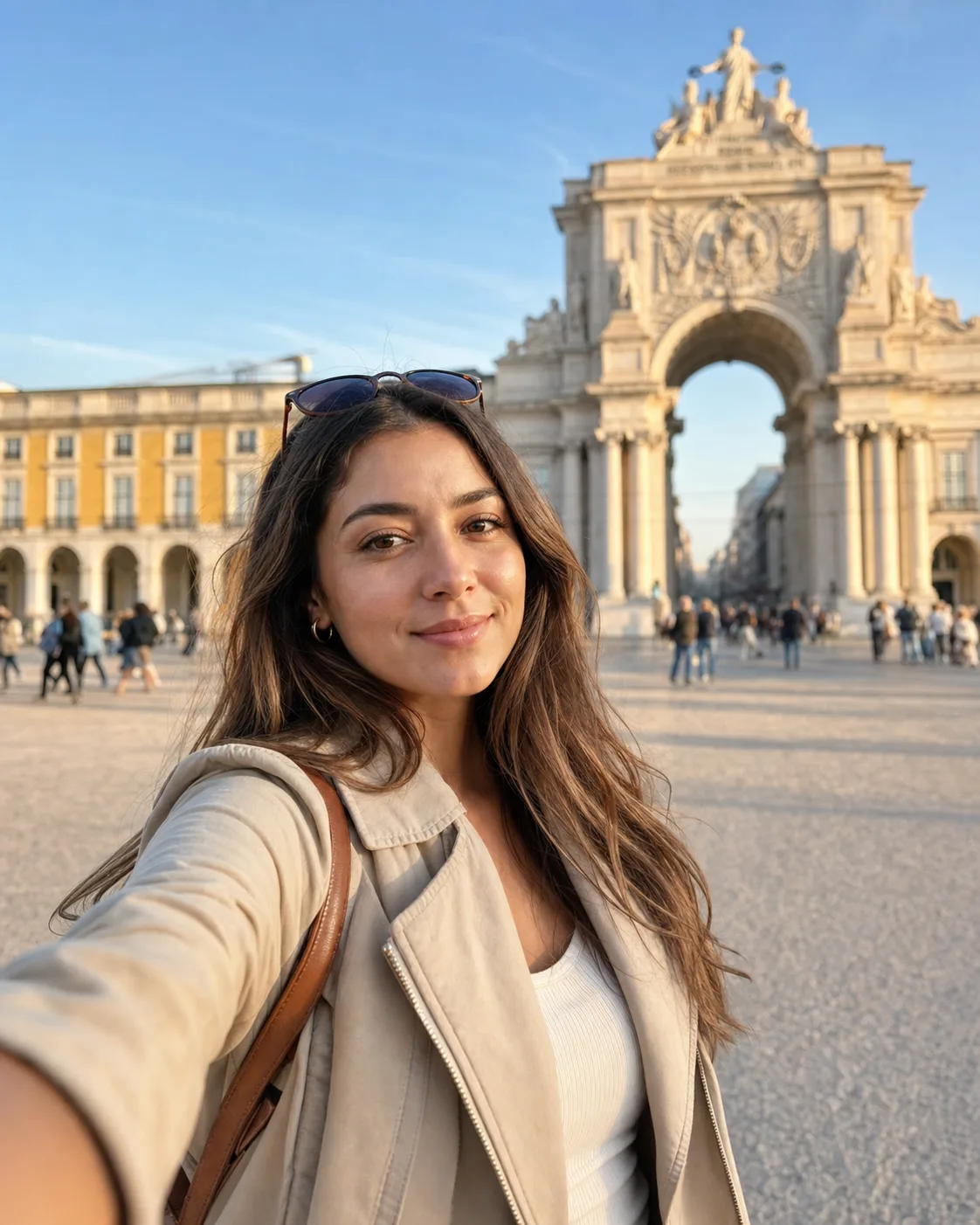
Quick fix: landmarks can easily become too sharp or too fake. Keep the person sharp and ask for the background to be visible but naturally out of focus.
Prompt Tips for More Realistic AI Selfies
Use Phone-Camera Language
Words like front-facing smartphone camera, wide-angle selfie, mirror reflection, handheld framing, and slight sensor grain help the result look like a real selfie instead of a studio render.
Preserve Identity Explicitly
Add this line when the face changes too much:
Preserve the exact facial identity, hairstyle, face shape, skin tone, and natural expression from the reference photo.
Avoid Over-Editing
Real selfies usually have tiny imperfections. Add:
natural skin texture, visible pores, realistic shadows, no plastic skin, no heavy beauty filter
Control the Crop
If the image feels too staged, specify the frame:
close-distance selfie, slightly imperfect crop, face dominant, phone held just outside the frame
If you want a full outfit:
mirror selfie, medium-full body reflection, phone visible but not covering the face
Best Source Photos for AI Selfies
Use a photo where your face is clear, well-lit, and not covered by sunglasses, hair, or heavy shadows. A simple front-facing selfie usually works best.
Avoid heavily filtered photos because the AI may copy the filter artifacts. If you want a realistic result, start with a realistic input.
Common AI Selfie Mistakes to Avoid
- Asking for only a broad style such as
make this viral. - Forgetting to tell the AI to preserve your face.
- Mixing too many settings in one prompt.
- Requesting unrealistic lighting for the scene.
- Using a low-resolution or blurry source photo.
- Adding branded logos or exact text, which can create artifacts.
The fastest way to improve a result is to change one variable at a time: camera angle, outfit, background, or lighting.
FAQ
What is the best free AI selfie generator?
Banana AI is a strong choice if you want to upload a photo, write a prompt, and create realistic AI selfies, profile images, and social media portraits. Start with the Create Page and use one of the prompts above.
Can I make an AI selfie from one photo?
Yes. A single clear reference photo is enough for many AI selfie edits. Results are usually better when the face is sharp, the lighting is even, and the prompt clearly says to preserve identity.
How do I write a realistic AI selfie prompt?
Mention the camera type, angle, scene, outfit, lighting, style, and constraints. For example: front-facing iPhone selfie, soft window light, natural skin texture, preserve facial identity, no watermark.
Can AI selfies be used for LinkedIn or profile photos?
Yes, as long as the result still looks like you and fits the platform. For professional use, choose a clean background, natural retouching, and business-casual styling instead of heavy fashion effects.
How can I make an AI selfie look less fake?
Use realistic camera language, avoid over-polished skin, and add details such as natural shadows, slight sensor grain, imperfect crop, and real-world lighting. Also keep the pose simple.
Ready to Create Your AI Selfie?
Pick a prompt, upload your best reference photo, and generate your first selfie with Banana AI.
Related Posts
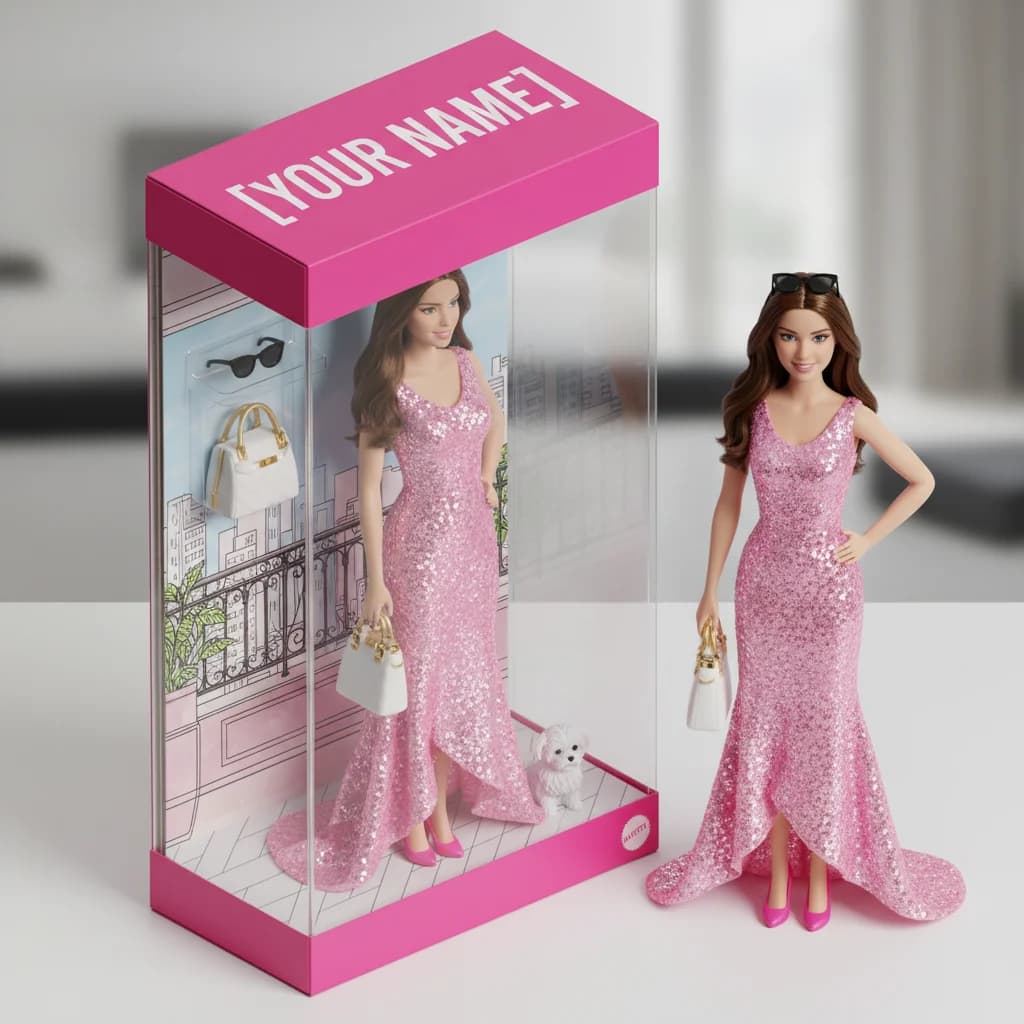
AI Barbie Doll Filter: 15 Best Prompts & Free Step-by-Step Guide (2026)
Transform your photos into stunning AI Barbie dolls with 15 best prompts. Free tools, step-by-step guide, and pro tips for viral Barbie figurine results.
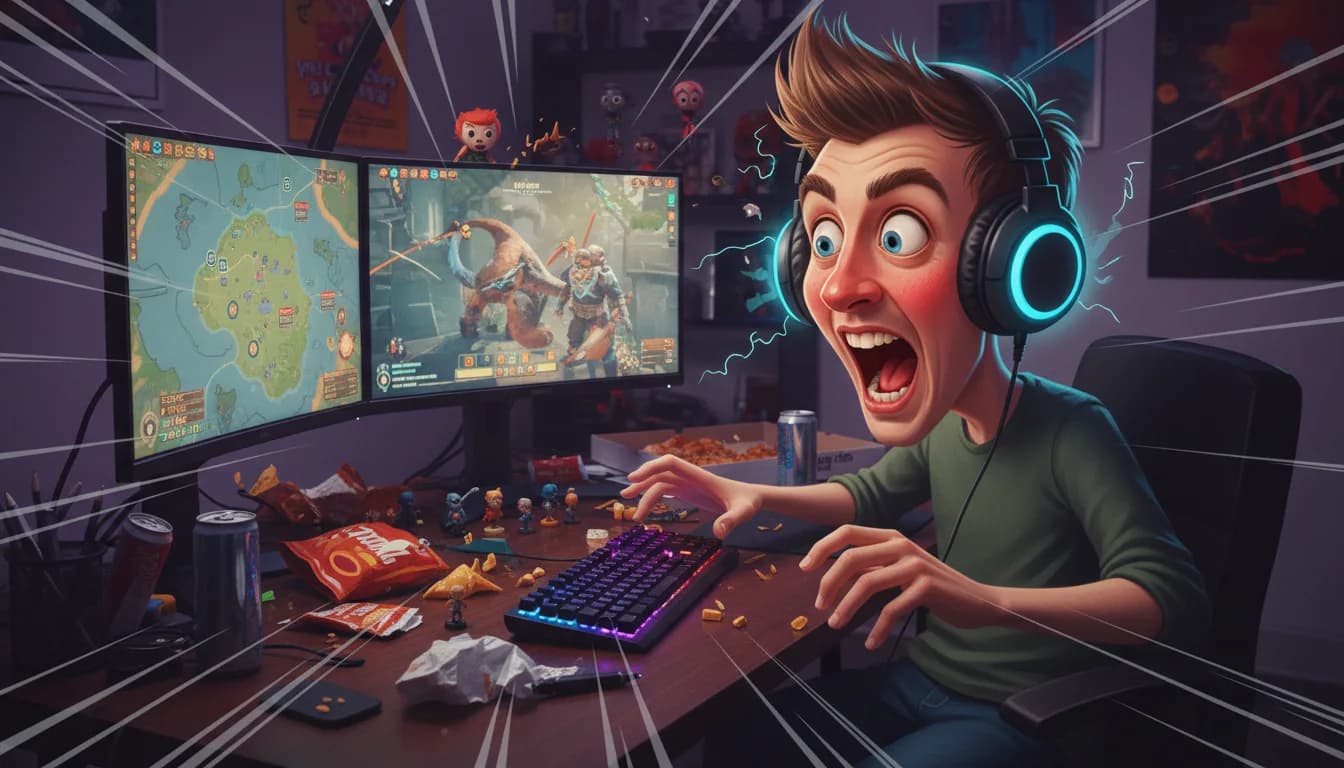
How to Do the ChatGPT Caricature Trend: 20 Best Prompts & Step-by-Step Guide
Learn how to do the ChatGPT caricature trend with 20 best caricature prompts. Step-by-step guide to create viral AI caricatures of yourself and your job.